
speechMaker Studio has been updated with the following changes and fixes today, August 19th, 2025.
Notable Changes and Corrections
Cursor jumps to the beginning of text block when inserting a pause
After inserting a pause into a text block, the cursor would sometimes return to the beginning of the text block. This caused subsequent pauses to be inserted not where you clicked, but rather prepended to the beginning of the text block. This has now been addressed. #11065
Voice favorites should be personal
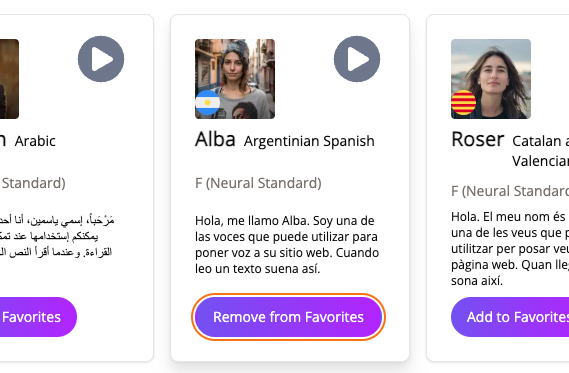
When adding a voice to the favorites in the voice gallery, the change would be reflected in all accounts. This has now been changed so that each individual user has his/her own favorites list. The voices that are in the favorites list will always be displayed at the top of all voice lists. #11063
Invitation link expiration increased to 72 hours
The expiration time of invitation links was previously 24 hours, it has been increased to 72 hours to prevent links to get invalid before the recipient has had time to click on it. #11208
Unload dialog displayed when exporting

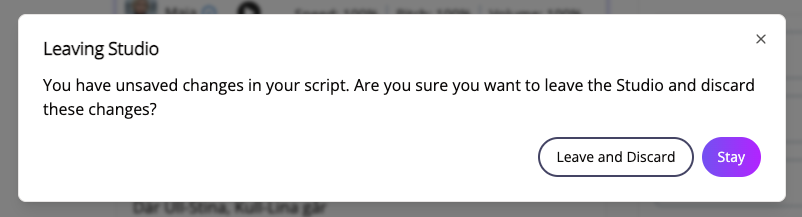
The Leaving Studio dialog would be displayed when exporting audio from the studio. This has now been fixed. #11117
The dialog should also not appear when the studio page reloads automatically when no changes have been made. #11126
Preview player fixes
The script preview player has received a number of fixes (#11127):
- Loading a new script will reset the player, to prevent the previous script from continuing to play.
- The elapsed and total time now reset when loading a new script into the studio.
- When clicking fast forward with less than 10 seconds left of the audio, the player will change state to “stopped”.
- When pausing and then rewinding past the start of the audio, the audio will resume from the beginning and the player will change state to “playing”.
- The script preview player, except the play button, is disabled until a preview has been started.
Initial pause added to all text block previews
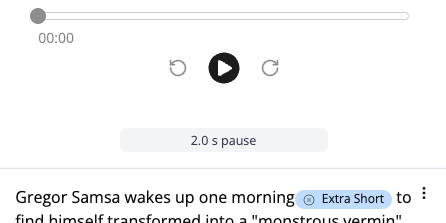
When setting an initial pause in a script it would accidentally be added to text block previews. The pause should only be applied when previewing the whole script. This has been solved in #11068
Pause button in sidebar not working
The pause button in the right sidebar in the studio would sometimes not work. This has now been fixed. #11064
Intonation button in sidebar only works after text selection
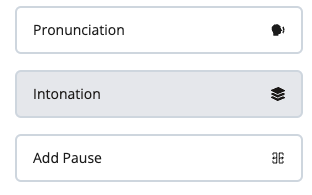
The intonation button in the right sidebar of the studio would not open the intonation editor correctly unless you selected a text in a text block. It is now sufficient to just place the cursor where you want to edit the intonation. #11071
Pause icons disappear when text block loses focus
Pause icons would be inserted when adding a pause pill, but would then disappear as soon as you clicked outside of the text block. This has been solved. #11066
Inconsistencies when adding pause
- The pause pill would sometimes include a pause icon, sometimes not. This has been changed so that there is always an icon.
#11122 - The edit pause menu has been updated so that it looks more similar to when adding a new pause.
Removed text selection when editing pause between text blocks in the studio
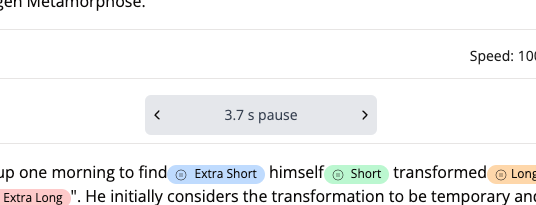
The text in the pause editor’s label between text blocks would be automatically selected when changing the value. This has now been fixed. #11059
Increase password strength
The minimum password length has been increased to 12 characters. #11120
Miscellaneous
Spelling errors and textual errors that have been corrected:
- Invitation reminder, user email was missing from the dialog and the word ‘verification’ was misspelled.
#11051 - Invitation reminder confirmation – the user’s email was replaced by [Object Object].
#11052 - Delete user dialog – The user’s email was missing.
#11056 - User deleted confirmation – the username was missing and replaced by an internal ID.
#11054 - Update user role dialog – The user name was replaced by an internal ID.
#11060 - Updated user role confirmation – The role name was replaced by an internal ID.
#11055