
speechMaker Studio has been updated with the following changes and fixes today, November 2nd, 2026.
New Features and Changes
Pronunciations view #13207
This version introduces a Pronunciation view. Where the user can add global or project specific pronunciation rules.
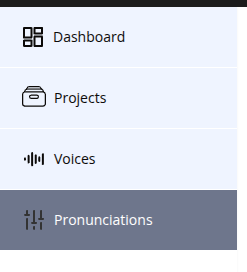
In the left side menu, there is a new button for the Pronunciations view.
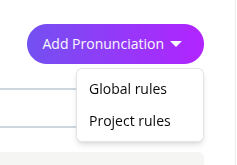
In the Pronunciation view there is an add pronunciation button in which you can choose either Global rules or Project Rules.
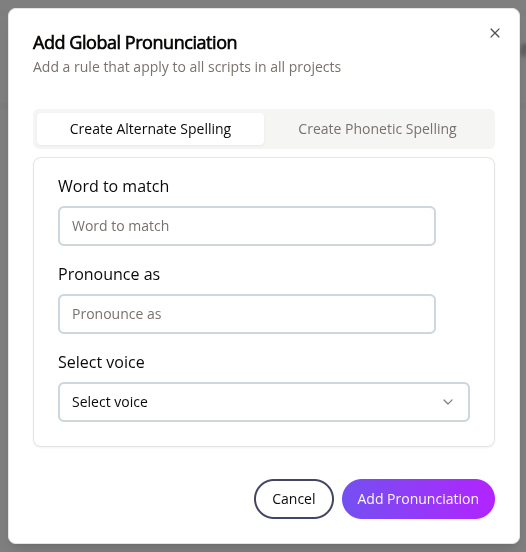
In the add pronunciation dialog you can choose to either add alternate spelling or Phonetic spelling
The pronunciations are then listed in a list in the Pronunciation view. There is one tab for Global rules and one tab for Project Rules
Global and Project pronunciations in scripts #13206
Global and Project pronunciations will be added to scripts automatically when they are loaded.
Order of priority
- Instance rule – rules that are added in the script has the highest priority
- Project rule – rules that are applied to the specific project has second highest priority.
- Global rule – rules that are applied to all scripts in all projects, in your account, has the lowest priority
Rules can be altered in the script. If a global or project is altered it is converted to an instance rule.
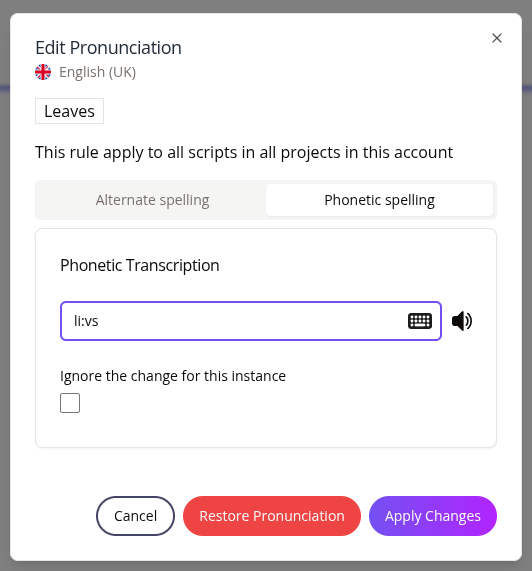
Unload dialog displayed when using to use IPA keyboard
Unload alert should not be displayed when using IPA keyboard #11359
Issue with import of .txt or .csv files
Trying to import .txt or .csv files resulted in an error message. This should now have been fixed. #12920